
Our AI support agent doesn't use RAG — here's the math
Clanker Support has no vector database. We put the entire knowledge base into the system prompt on every request, and for KBs measured in kilobytes, the math says that's the right call.
Clanker Support's AI support agent has no vector database, no embeddings, and no retrieval pipeline. On every chat request we load every active knowledge source for the project and place it, budgeted to 80,000 characters, directly into the system prompt. For a support knowledge base measured in kilobytes, this beats RAG on simplicity, freshness, and recall — and we can show you exactly where it stops being true.
This is not a "RAG is dead" post. RAG is the correct architecture for corpora that don't fit in a context window. Our argument is narrower and, we think, more useful: most per-project support knowledge bases are tiny, context windows are large, and building an embedding pipeline before you've hit the ceiling is complexity you pay for every day and benefit from never. Here's the code, the arithmetic, and the honest failure mode.
The entire retrieval pipeline is a WHERE clause
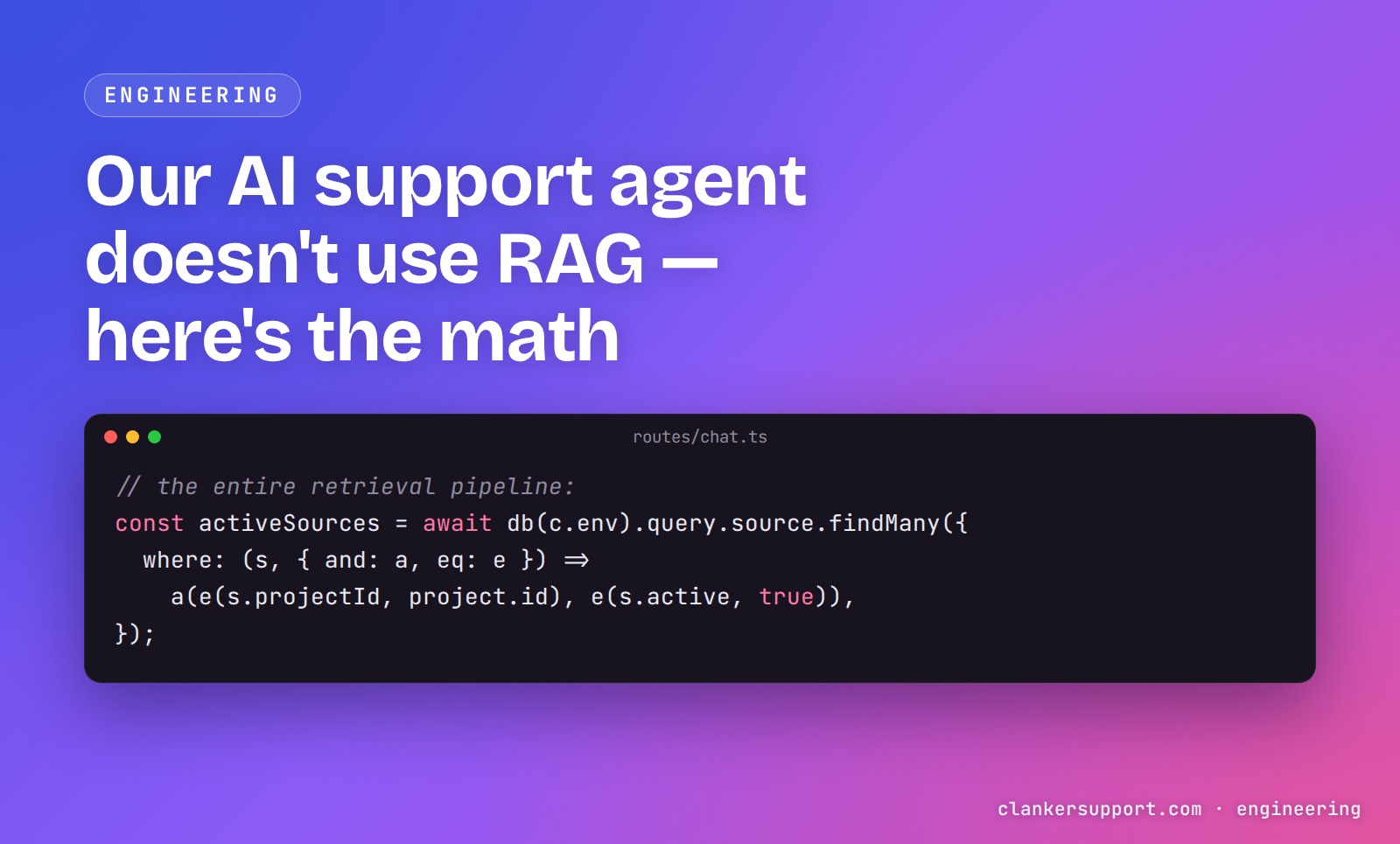
Clanker Support is an open-source support widget (github.com/theopenco/llmchat). When a visitor sends a message, the API needs to decide which knowledge to show the model. Here is the entirety of that decision, from apps/api/src/routes/chat.ts:
const activeSources = await db(c.env).query.source.findMany({
	where: (s, { and: a, eq: e }) =>
		a(e(s.projectId, project.id), e(s.active, true)),
});
No query embedding. No similarity search. No reranker. Every active source for the project, every time. The sources come in three kinds — url (a one-shot snapshot of a single web page), text (a pasted snippet), and qa (a question/answer pair, either hand-written or promoted from a real operator reply in the inbox).
Those sources then flow into a prompt builder that assembles one string: a hardcoded support-only guardrail, the operator's own system prompt, a free-text knowledge field, a # Reference sources block, and finally an identity block for the visitor. The reference block is where the only "retrieval" decision in the codebase lives:
// Cap aggregate source content to keep system prompts bounded. ~80k chars
// ≈ 20k tokens — well below typical 128k context windows but leaves room
// for knowledge base + conversation history.
const MAX_SOURCES_CHARS = 80_000;
And the "chunking strategy" is an even split and a slice:
// Distribute the budget across sources so a single huge page can't
// crowd out the rest.
const perSource = Math.floor(MAX_SOURCES_CHARS / usable.length);
const rendered = usable
	.map((s, i) => {
		const body =
			s.content.length > perSource
				? `${s.content.slice(0, perSource)}…`
				: s.content;
That's it. floor(80000 / N) characters per source, an ellipsis if it overflowed, a ## Source N: <title> header on each, and an instruction to the model to cite the source title or URL when it uses one. A dozen lines of arithmetic where a RAG system would have an ingestion worker, a chunker, an embedding model, a vector store, and a retriever — each one a place for bugs to live and data to go stale.
How much knowledge fits in an 80k-character budget
Let's do the honest math, using the same rough heuristic the code comment uses (~4 characters per token — real tokenization varies, so treat all token figures here as approximate).
- The aggregate budget is 80,000 characters, roughly 20,000 tokens of reference material per request.
- A URL source maxes out at 20,000 characters of extracted text. The snapshot fetcher reads at most 200 KB of raw body, strips markup with regexes, and slices the result to 20k chars (all three limits sit at the top of
apps/api/src/lib/fetch-url.ts:MAX_BYTES = 200_000,MAX_CHARS = 20_000,TIMEOUT_MS = 10_000). - So the budget holds at most 4 full-size page snapshots. At 5 or more,
floor(80k/N)drops below 20k and full pages start truncating each other. - 10 sources → 8,000 chars (~2,000 tokens) each. 20 sources → 4,000 chars each. 40 sources → 2,000 chars — roughly 300 words — each.
For context on what real support KBs look like: a text snippet source caps at 50,000 characters at creation, and a promoted Q&A pair caps at 2,000 characters of question plus 8,000 of answer. A typical per-product support KB is a handful of doc pages, a pricing page, and a growing pile of Q&A pairs promoted from the inbox. That's tens of kilobytes. The budget swallows it whole, and the model sees everything on every question.
That last part is the underrated win. RAG doesn't just add infrastructure — it adds a new failure mode: the retrieval miss, where the answer existed in your corpus but the top-k didn't surface it, and the model confidently answers without it. When the whole KB is in the prompt, recall is 100% by construction. There is nothing to miss.
What it actually costs per message
No free lunch. The whole knowledge base rides in the system prompt of every request — the prompt is rebuilt and re-sent on every turn of the conversation. A visitor typing "hi" to a project with a full source budget costs roughly 20,000 input tokens of reference material before the operator prompt, the conversation history, or the message itself.
We can see this directly because metering records the real prompt and completion token counts per response into a usageEvent row. Prompt token counts grow linearly with KB size times message volume. That's the structural cost of prompt stuffing, and it's worth being clear-eyed about: RAG exists partly to not pay this.
Two things keep it bounded for us:
- Input is the cheap direction. Model pricing is heavily skewed toward output tokens — on the major providers' price lists as of mid-2026, output tokens run several times the per-token price of input — and our output is hard-capped:
// Hard ceiling on a single support reply's completion — bounds per-response cost
// on the shared operator key. A support answer fits comfortably; the summary
// path caps far tighter (60).
const MAX_CHAT_OUTPUT_TOKENS = 2_000;
That cap is pinned by a unit test — it also bounds the blast radius of a prompt injection along the lines of "write 5000 words…" (the code comment's own example).
- The budget is a ceiling, not a typical case. A KB of the shape above sits far below 80k characters of active sources, so the per-message overhead is a fraction of the worst case.
There's a second cost people forget to weigh: the cost of the RAG pipeline you didn't build. An embedding pipeline is not a one-time expense. It's re-embedding on every source edit, keeping the vector store in sync with the source-of-truth rows, versioning the embedding model, debugging why a chunk boundary split a refund policy mid-sentence, and explaining to an operator why the agent ignored the doc they just uploaded. Every one of those is a moving part that can silently drift. Our KB has exactly one representation — the text in the database — and what the model sees is a pure function of it. When something goes wrong, we read one assembled string.
That single-string property compounds in a direction we didn't fully appreciate at first: security review. Because the prompt is one deterministic assembly, injection defenses are string-level and unit-testable — visitor-supplied identity is sanitized (control characters and fence glyphs stripped, length-capped) and fenced between markers explicitly labeled as unverified data, and the tests pin that the support-only guardrail is prepended on every assembly. Auditing "what can an attacker put in front of the model" is a code read, not a data-pipeline archaeology dig.
Where this breaks, and how it fails
Honesty section. The failure mode is real and it's silent.
The ceiling is about 4 full-size pages. Past that, the even split truncates every source, and the tail of each long page becomes invisible to the agent. There's no error, no warning — the model just doesn't know things that are technically "in" the knowledge base. Because the split is arithmetic rather than relevance-ranked, a question answered in the truncated tail of source 3 fails even though a smarter system holding the same budget would have surfaced that passage. This is precisely the problem retrieval solves, and we don't pretend otherwise.
URL snapshots go stale. The fetcher grabs one URL, once, at creation. Refresh is a manual re-crawl button in the dashboard — deploying new docs does not update the agent until someone clicks it. There's no scheduled re-fetch today. We've tripped over this ourselves: we dogfood the widget on our own site, and shipping a docs change is not the same as re-snapshotting it for the agent.
Long-tail docs sites don't fit. If your product has 300 documentation pages, an even 266-character sliver of each is worse than useless. That's not a "tune the budget" problem; it's a "you need retrieval" problem.
We mitigate the ceiling in two ways that are cheaper than embeddings, and we think both are interesting design points on their own.
How web-search models change the calculus
Every model our agent can serve is web-search-capable, by construction. The allowed model list is generated from LLM Gateway's model catalog filtered to providers that advertise web search, and a guard in the chat route coerces any saved non-web-search model back to the default (gpt-5.4-mini). So the agent can reach the live web when answering.
This matters for the RAG question because a support KB is unusual among corpora: most of it is already on the public web. Your docs site, your pricing page, your changelog — the things a support agent needs are the things you publish. When the snapshot in the prompt is stale or truncated, the model can go look at the actual page. The prompt-stuffed KB becomes the fast path and the grounding; live search is the backstop for freshness and depth.
Two honest caveats. First, whether and when a model actually searches is up to the model and provider — "web-search-capable" is a capability flag, not a guarantee, so this is a mitigation rather than automatic RAG-over-the-web. Second, search only backstops public knowledge; internal policies and unpublished answers still have to live in the KB proper. (Being self-hostable makes that second category more comfortable to store at all — the argument in the case for self-hostable AI support.)
Curation beats ingestion: promoting real answers into the KB
The second mitigation is about what goes into the budget. The highest-value knowledge a support agent can hold isn't a crawled page — it's the answer a human already gave to this exact question. Our inbox has a "promote to knowledge base" action on any operator reply: it takes the reply, pairs it with the nearest preceding visitor message as the question, and stores it as a qa source. The stored content is literally:
const content = `Q: ${finalQuestion}\nA: ${finalAnswer}`;
Two lines. Deduped by source message, so promoting the same reply twice returns the existing source. A promoted Q&A is small (10k characters max), dense, and pre-validated by an actual human answering an actual customer — the opposite of a 20k-character page snapshot that's mostly navigation boilerplate. A KB grown this way stays comfortably inside the budget far longer than a KB grown by snapshotting every page of your docs site, and it improves exactly where your visitors demonstrated the gaps. It's the same instinct behind using AI as the first response and humans as the curriculum: the escalations teach the agent.
What we'll build when a customer blows past the budget
Our position is "you might not need RAG yet," not "you don't need RAG." The trigger is concrete: when a real customer's KB meaningfully exceeds ~4 full pages of unique, non-promotable content — a genuine long-tail docs corpus — even splitting stops being defensible, and we'll build retrieval. When we do, it'll be the boring, proven shape: chunk sources at ingestion, embed chunks, embed the visitor's question at query time, put the top-k chunks into the same # Reference sources block the prompt builder already renders. The prompt assembly, citation instruction, and injection fencing all stay; only the WHERE clause grows a brain.
What we won't do is build it speculatively. Every week the pipeline doesn't exist is a week we don't debug sync drift, don't re-embed on edits, and don't explain retrieval misses. The constants in llm.ts are doing the job a vector database would do, in twelve lines, with unit tests pinning the behavior. When the ceiling stops being theoretical for our users, the code knows exactly where retrieval slots in.
If you want to poke at the real thing, the agent answering questions on our live demo is running exactly the code quoted above, and the whole repo is MIT-licensed if you'd rather read the source than take our word for it.
FAQ
Do I need a vector database for an AI support agent?
Not if your knowledge base fits in the model's context window with room to spare. A typical per-product support KB — some doc pages, a pricing page, curated Q&A — is tens of kilobytes. We budget 80,000 characters (roughly 20k tokens) of sources per request and stuff them all in. You need a vector DB when your corpus is large enough that this either truncates badly or costs too much per message.
Is prompt stuffing cheaper than RAG?
Per message, no — you re-send the whole KB on every turn, so input tokens scale with KB size times message volume, where RAG sends only the retrieved chunks. In total cost of ownership, often yes for small KBs: you skip the embedding pipeline, vector store, sync logic, and the engineering time to keep them honest. Input tokens are also the cheap direction on most model pricing.
What happens when the knowledge base is too big for the prompt?
In our implementation, each source gets an even share of the 80k-character budget — floor(80000 / N) characters — and anything past its share is silently cut. Past about 4 full-size page snapshots, sources start truncating each other and the model can't see the tails. That silent truncation is the honest failure mode of this design, and it's the point where real retrieval earns its complexity.
Can web search replace RAG for customer support?
Partially. Support is unusual in that most of the corpus (docs, pricing, changelogs) is already public, so a web-search-capable model can fetch the live page when the in-prompt snapshot is stale or truncated. But search is model-discretionary — a capability, not a guarantee — and it can't reach internal or unpublished knowledge, so it's a backstop for a prompt-based KB rather than a substitute for retrieval at scale.
When should I add RAG to an LLM application?
When you can name the failing query. If you can point at real questions that fail because the relevant passage didn't fit in the prompt — not hypothetically, but in your logs — retrieval will pay for itself. If you can't, you're building infrastructure to solve a problem you haven't got, and every part of it (chunking, embeddings, sync) is a maintenance surface that starts costing the day it ships.